White-label SEO ranking reports your clients will love
Create client-ready ranking reports in Mangools SERPWatcher, add your branding, and deliver insights automatically to clients and stakeholders. No exhausting spreadsheets or manual screenshots.
Create white-label SEO reports that prove your ranking performance
Turn keyword tracking into a clear story your clients instantly understand. With Mangools SERPWatcher, you can categorize keywords, track rankings, and present your website’s performance using all the key SEO metrics in one place, exactly how you want it.
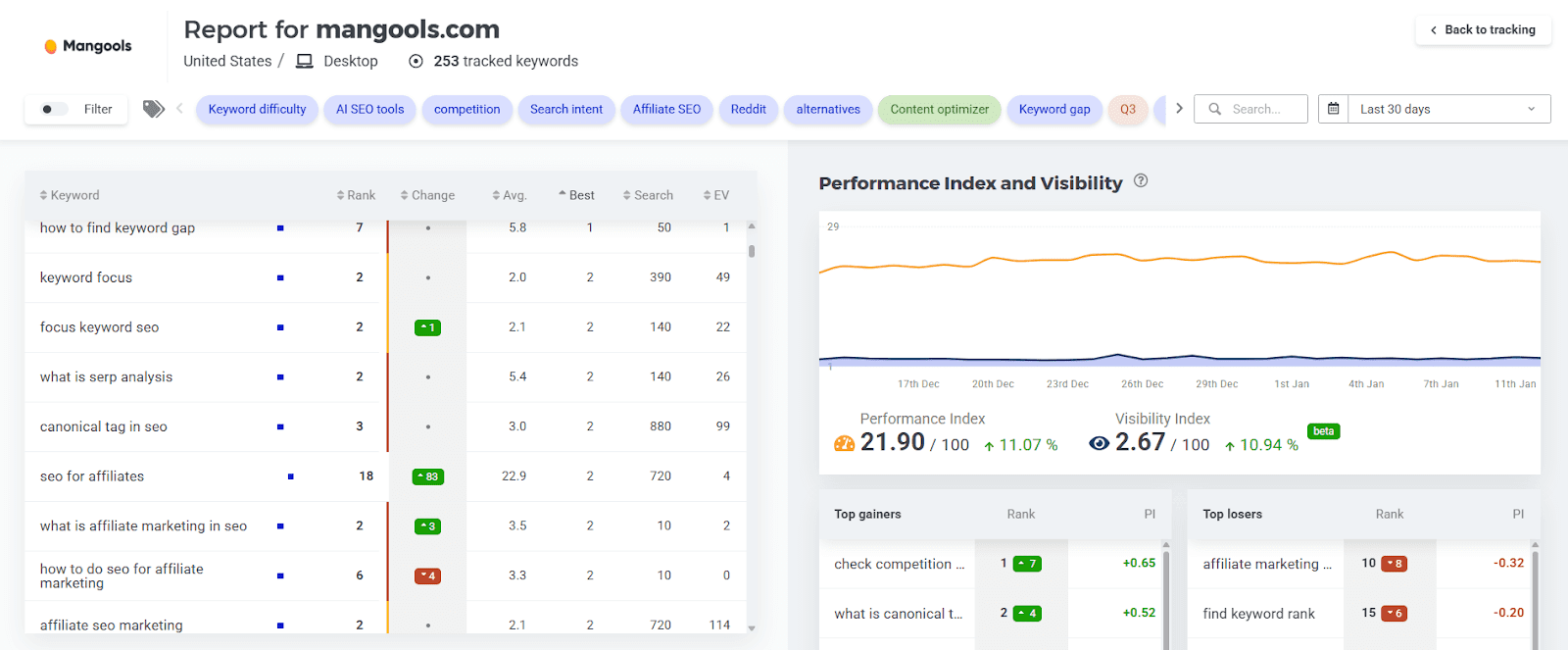
All the essential ranking metrics in one place
See precise ranking positions for your URLs and track ranking changes over time. Check search volume, estimate traffic potential for your website, and measure overall progress with SERPWatcher’s Performance Index and visibility metrics. All in one place, ready to share in seconds.
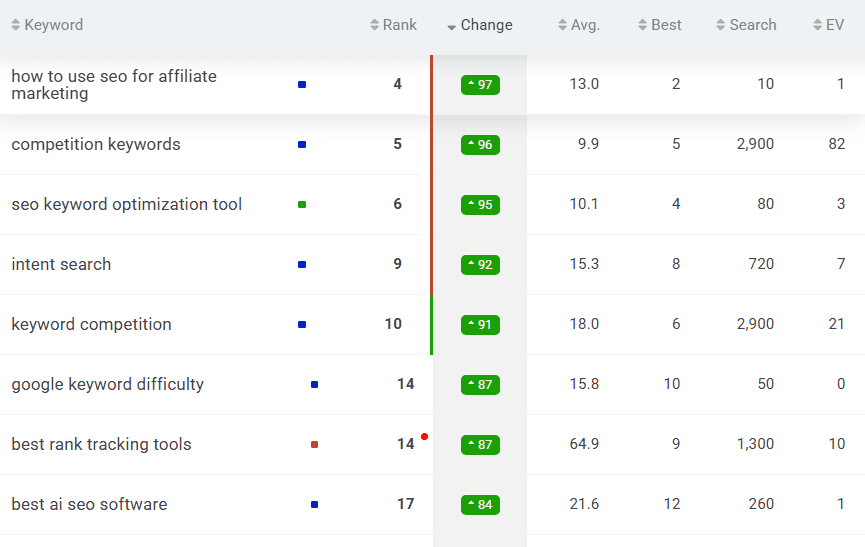
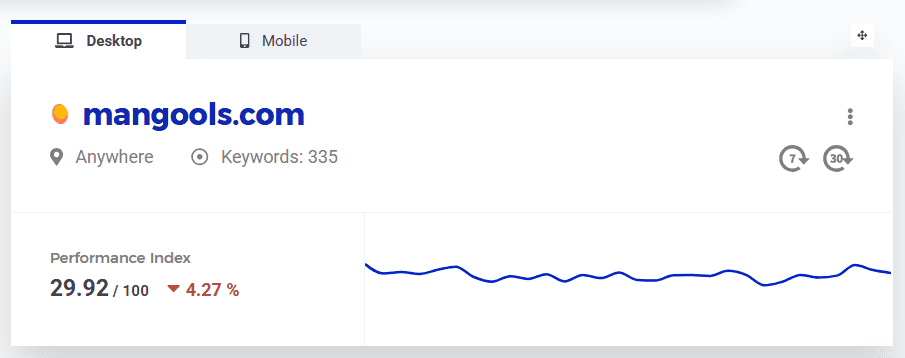
Mobile and desktop rankings
Track results the way people actually search. Compare desktop and mobile performance to explain differences, spot device-specific wins, and prioritize fixes with confidence.
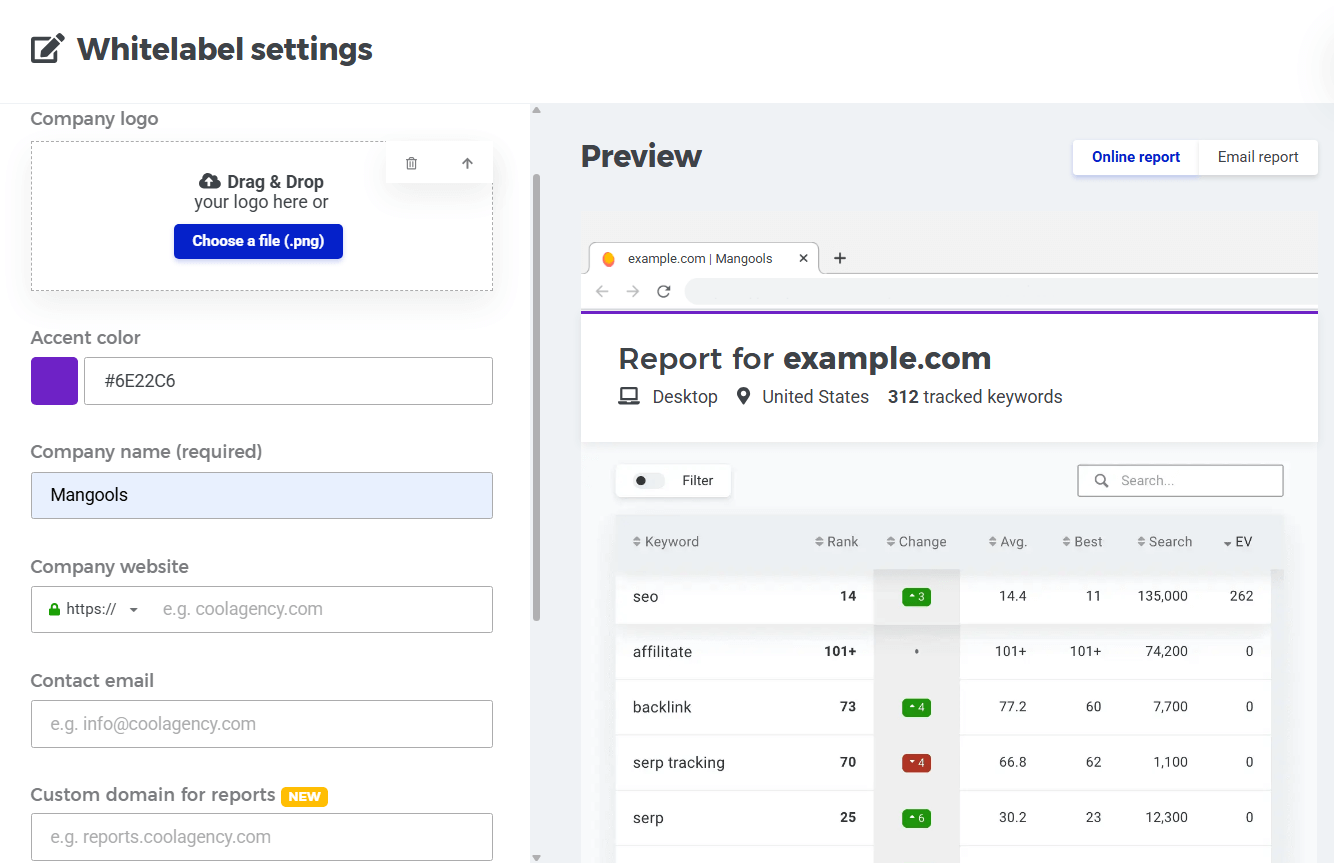
Fully customizable, visual white-label SEO reports
Make every report feel native to your agency or in-house brand. Control what’s included, add your brand’s logo, colors, company name, and contact info, and choose how everything is presented so the final report is polished, consistent, and client-ready.
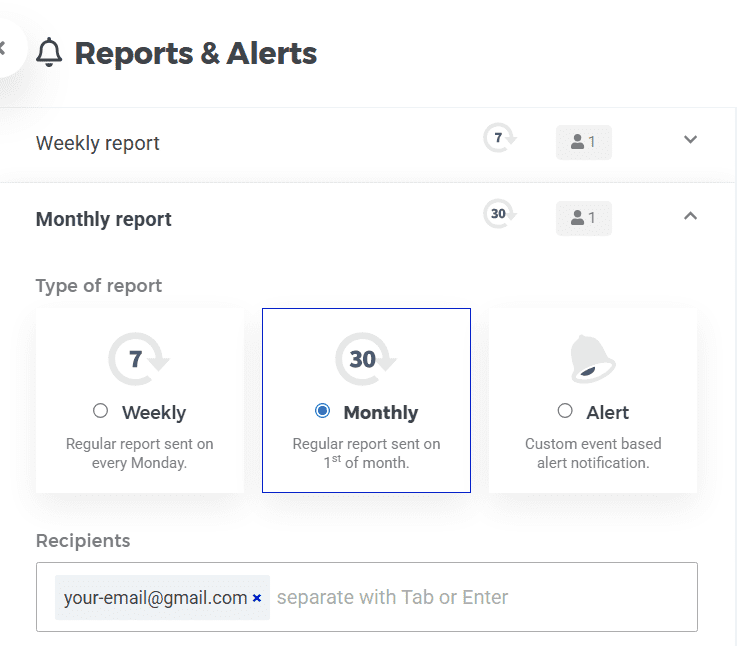
Weekly and monthly email reports
Automate your reporting cadence. Send weekly or monthly updates to clients and stakeholders, and stay on top of important changes with event notifications and alerts so nothing slips through between meetings.
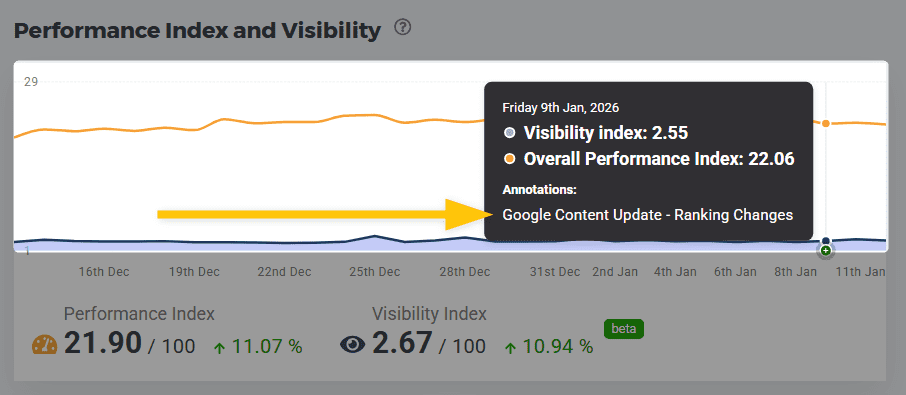
Personal notes and annotations
Add context clients would otherwise miss. Leave notes on key dates and keywords (e.g., site changes, releases, migrations, or content updates) so ranking shifts are explained, tracked, and never left to guesswork.
Share your white-label reports with clients and teams
Send the same ranking report in the format each audience prefers, without duplicating work. Share an interactive report link, automate email updates, or publish reports under your own branded URL.
Custom domain URLs
Publish SERPWatcher’s interactive white-label report on your own custom subdomain (for example, reports.yourwebsite.com), so the URL and branding match your company.
Looker Studio reports
Share a client-friendly Looker Studio dashboard built from the SERPWatcher report template. It’s ideal when you want a polished, presentation-style report that you can customize and reuse across clients.
Email reports & alerts
Send white-label reports to clients and stakeholders manually or on a schedule (weekly or monthly). Set up event-based alerts to get notified when rankings change dramatically or when keywords enter or leave key thresholds.
Shareable links
Generate a shareable link to an interactive report where viewers can choose the timeframe, use filters, and drill into keyword details. Perfect for calls, async reviews, and team collaboration.
Set up your white-label SEO reports in seconds
Go from keyword tracking to client-ready reporting in just a few steps. Start by tracking your most important keywords in Mangools SERPWatcher, then organize them with custom tags and color labels (for example, by topic, URL, or TOFU/MOFU/BOFU keywords).
Once everything is tidy, creating polished white-label reports is straightforward:
1. Track and organize your keywords
Create a tracking list, group keywords with tags, and keep everything structured for clean reporting.
2. Connect your tracking to Google Looker Studio
In SERPWatcher, click on the Whitelabel and copy your authentication token. In Looker Studio, add the Mangools SERPWatcher connector, authorize it with your token, and pull in the tracking data you want to report on.
3. Utilize the SERPWatcher Looker Studio report template
Use the ready-made SERPWatcher report template in Google Looker Studio to get a professional layout instantly, then customize it for your clients.
4. Share your ranking reports
Publish SERPWatcher’s interactive white-label report under your custom subdomain, or share your Looker Studio data built from the SERPWatcher template. You can also send regular updates with scheduled email reports or simply share a link for quick access anytime.
Tip: If you would like to learn more about SERPWatcher and its white-label features, check out our SERPWatcher guide.
Start tracking and share white-label SEO reports today
Build your first client-ready report for free. No credit card needed, no strings attached.